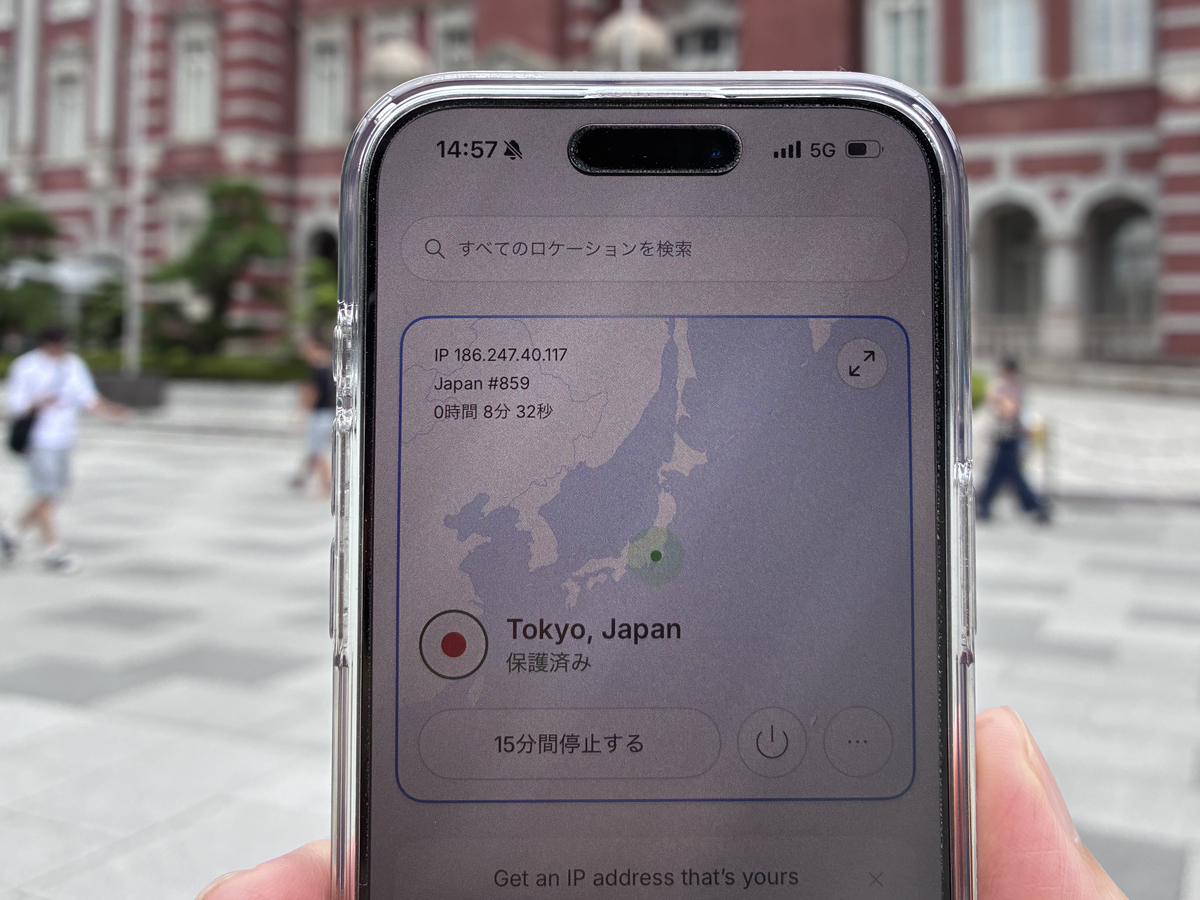

If you use an iPhone while moving between Japanese stations, hotels, and work appointments, NordVPN is worth considering when you want to check your VPN connection state before handling personal accounts or work tasks. In my use, the iPhone app made the selected location and protected status easy to confirm on docomo 5G.
That is useful, but it is not a cure-all. A VPN does not make a weak signal faster, replace an employer's security rules, or protect a bank balance from fraud. This NordVPN iPhone review explains what I found useful in Japan, who should look elsewhere, and what to verify before paying.
NordVPN on an iPhone in Japan at a glance
What it is: a VPN app that adds a privacy layer to your internet traffic; on the iPhone it shows your connection state — location and protected status — in one place.
My experience: on docomo 5G, the app made it easy to confirm the connection before using personal accounts at Shin-Kobe Station, on the Shinkansen, and near Tokyo Station.
Best for: iPhone users who want a visible way to check that a VPN is connected while travelling or working in Japan.
Not a fix for: weak signal, network congestion, phishing, or account fraud — and it does not replace an employer's required VPN.
Before you subscribe: confirm iOS support, the current plan and renewal terms, the features for your device, and the refund conditions.

Why you can trust this guide
- Research basis: First-hand review — NordVPN's iPhone app checked on a docomo 5G connection at Shin-Kobe Station, on the Shinkansen, and near Tokyo Station
- Last checked: 2026-10-28
- Before you decide: NordVPN's official pages are authoritative on current features, plans and refunds — confirm them before subscribing. A VPN is one privacy layer, not protection against fraud.
This review covers what NordVPN's iPhone app was useful for in Japan, where it does not help, who it suits, and what to verify before you subscribe. Features and terms can change, so always confirm the current details on NordVPN's official pages before you pay.
NordVPN can add privacy protection to your internet traffic, but it does not replace multi-factor authentication, software updates, strong passwords, or an employer's required VPN. Check the current plan, renewal, device, and refund terms on NordVPN's official checkout pages before you buy.
Travelling with an iPhone in Japan is easier when you can check your VPN status before using personal or work accounts. NordVPN's official site lets you compare current iOS support, plans and campaign offers in one place.
\ Check the latest official campaign /
Quick verdict: is NordVPN useful on an iPhone in Japan?
For an iPhone user who wants to see whether a VPN is connected while travelling in Japan, I found NordVPN straightforward to check. The app showed the connection location and a protected status in one place, which is helpful when you are moving between a station, a train, and a hotel.
I used docomo 5G for this review, not public Wi-Fi. The value for me was not a claim that NordVPN makes every online activity safe; it was the habit of confirming the connection state before I used sensitive accounts away from home.
| Your situation | My take | What to do next |
|---|---|---|
| You use an iPhone for personal accounts while travelling in Japan | A reasonable fit if you want to confirm a VPN connection before you go online | Check that your iPhone and intended plan are supported. |
| You expect a VPN to fix slow or unstable mobile data | Not a good reason to subscribe | Review your carrier coverage and prepare a backup connection for critical work. |
| Your employer or client has a mandated VPN or device-management policy | Check first | Follow that policy before installing a personal VPN. |
| You want protection against every banking or phishing risk | Not enough on its own | Use the bank's official app or site and enable multi-factor authentication. |
What I checked on the iPhone app in Japan
These photos were taken while I opened the NordVPN iPhone app at Shin-Kobe Station, on the Shinkansen, and near Tokyo Station. Each time, I checked the selected location and the protected status rather than assuming the connection was active.
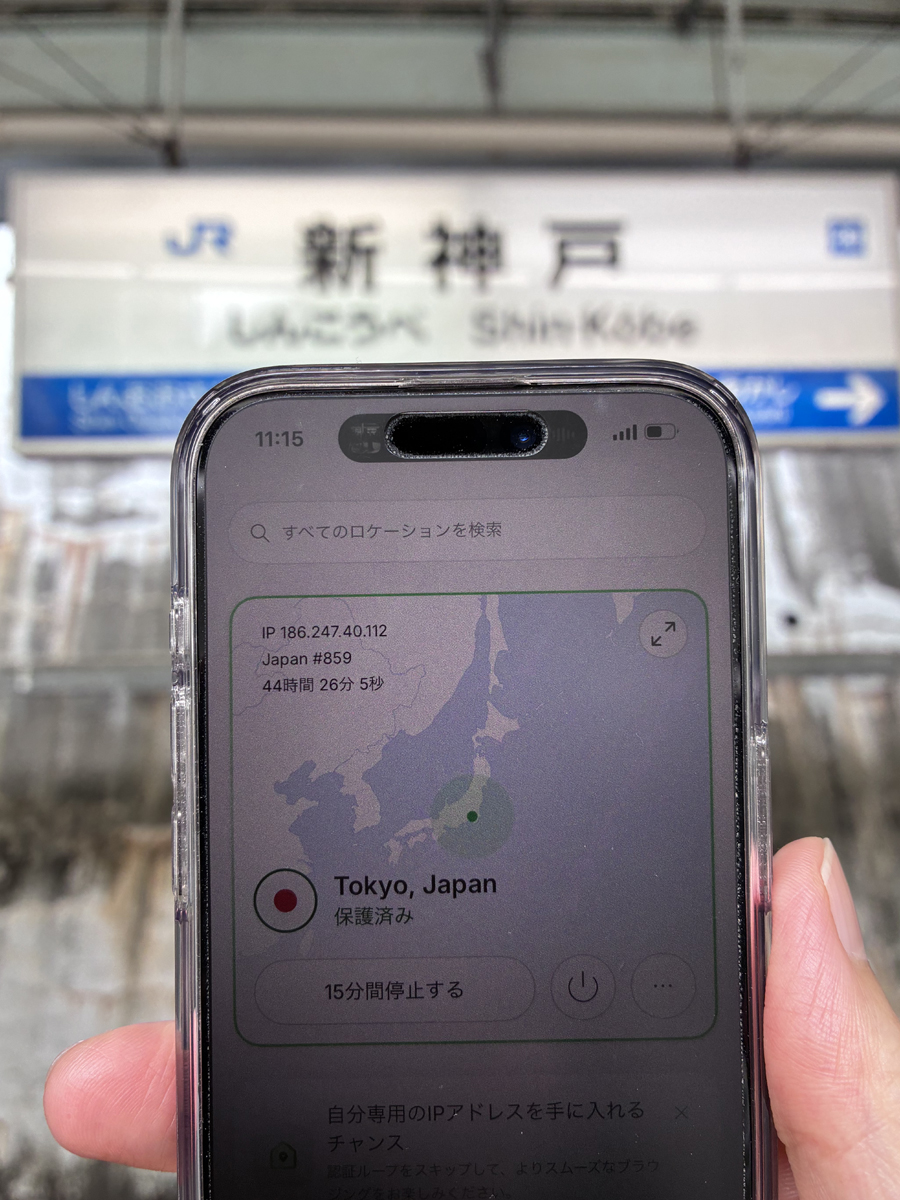
Checking the NordVPN app at Shin-Kobe Station. The useful habit is to confirm the app's connection state, not simply assume that the VPN is on.
What worked well: the connection state is easy to see
For a first-time VPN user, it is easy to lose track of whether the service is actually connected. On the iPhone app, I could see the chosen location and protected status together. That made it easier to pause, check the screen, and decide whether to continue with the task at hand.
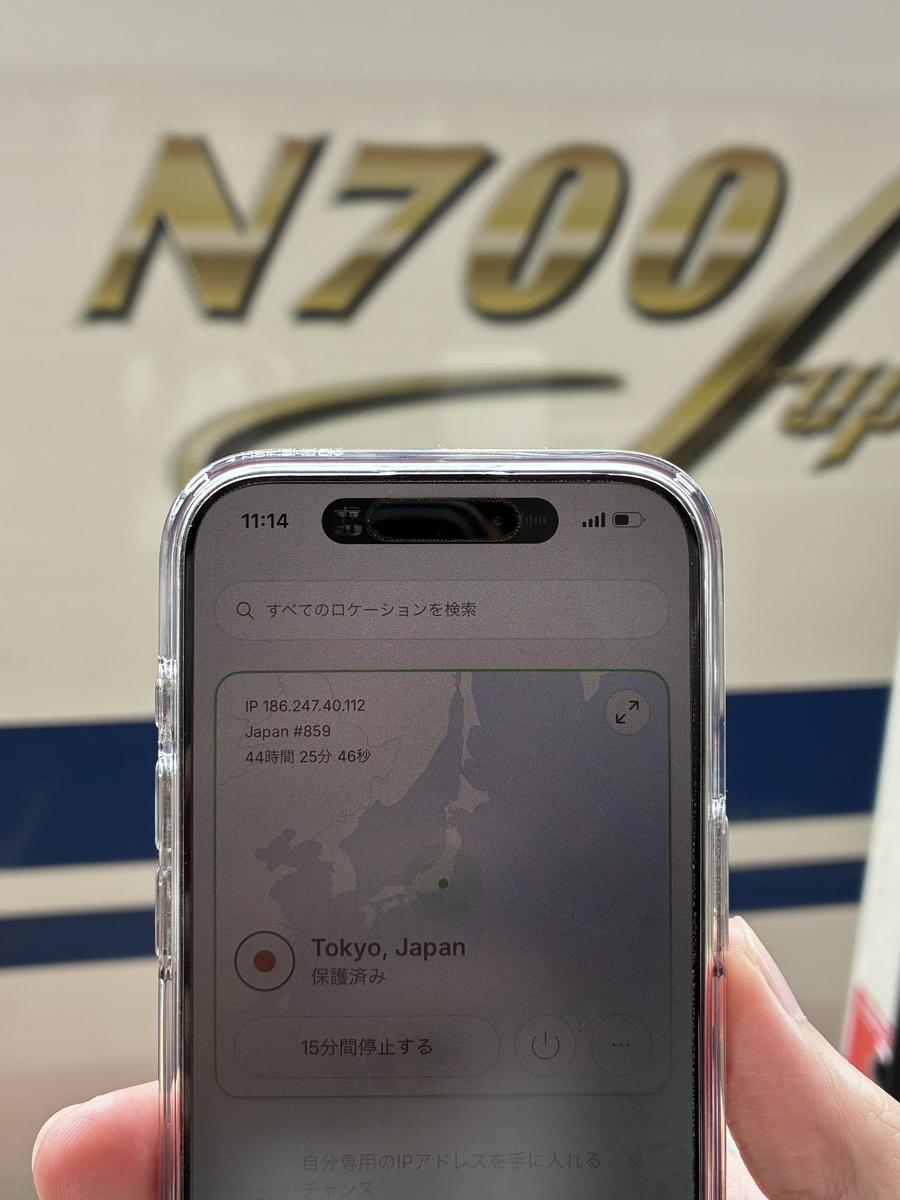
Checking the app during a Shinkansen journey. This is a record of the connection display, not a speed test or a guarantee that a particular service will work.
What it does not solve: coverage, congestion, and workplace policy
A VPN cannot strengthen a weak signal or remove congestion from a train or station. If video calls, large uploads, or a client deadline matter, plan your carrier data, tethering, eSIM, or a backup workspace separately. For travel connectivity planning, compare eSIM and Pocket Wi-Fi in Japan and unlimited Wi-Fi options for Japan before you leave.
For work systems, your employer's or client's security policy comes first. Do not add a personal VPN as a workaround for a managed-device or company-VPN requirement.
Using NordVPN around Tokyo Station and on travel days
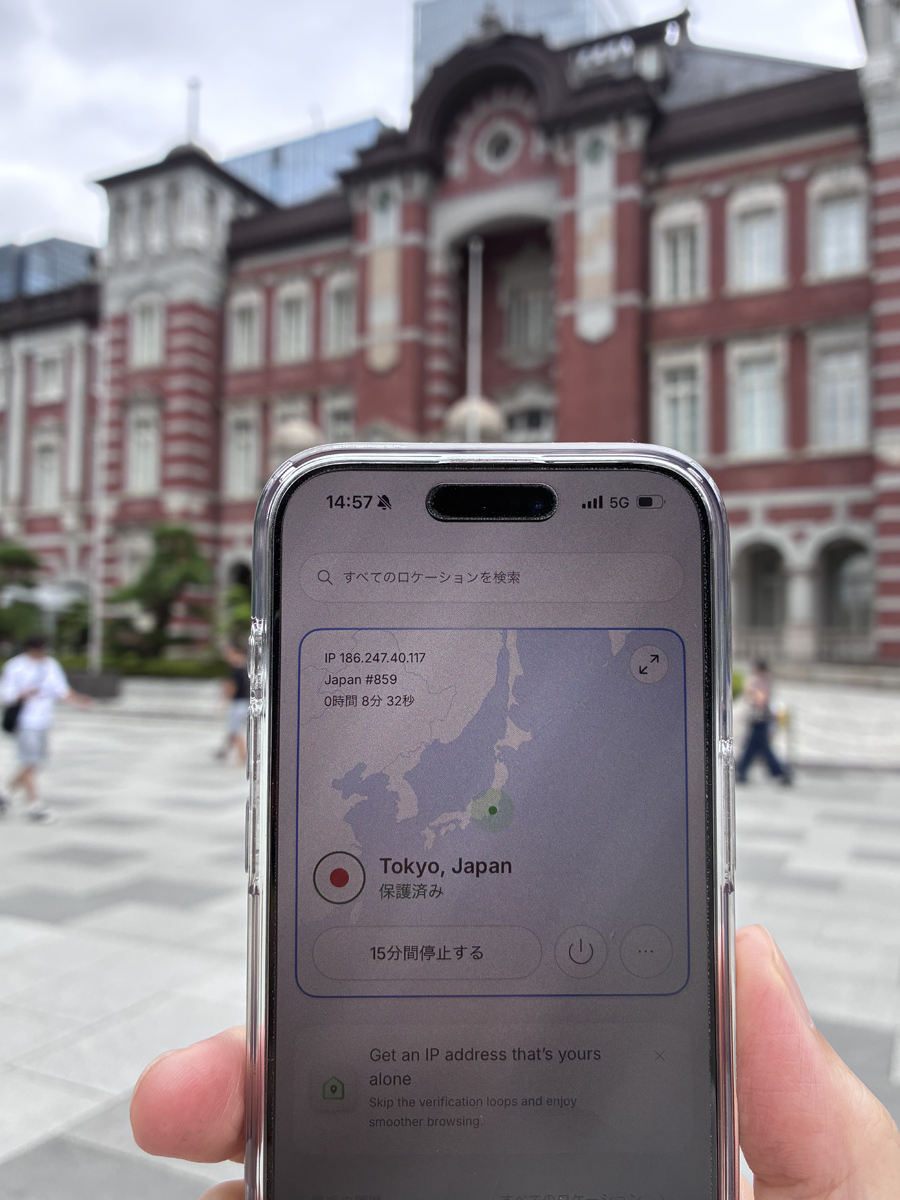
Checking the NordVPN app near Tokyo Station. Travel days often combine maps, transport bookings, payments, and work messages, so it helps to separate connectivity preparation from the task itself.
On a typical travel day in Japan, I may use maps, transport reservations, payment services, and work messages in quick succession. NordVPN is one option for checking the privacy layer around that internet use. It is not a reason to bypass platform terms, local laws, or an organisation's security rules.
If you are building a broader arrival setup rather than choosing a VPN in isolation, use the Digital Nomad Setup in Japan as the planning route, or the Digital Nomad Japan complete guide for the full picture of living and working here.
Online banking: what gave me reassurance — and what did not
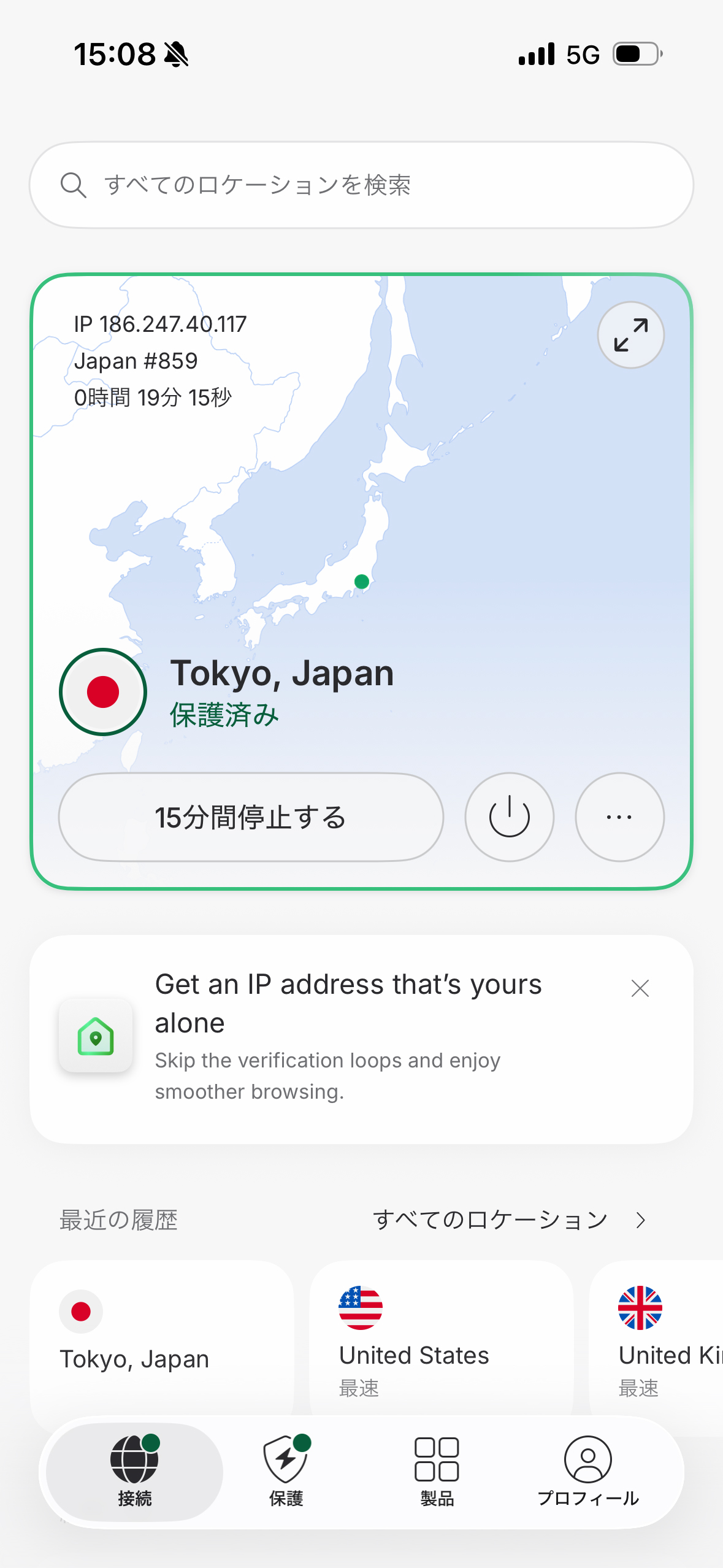
At Tokyo Station, I checked the NordVPN connection status while using a docomo 5G connection. On days when I use online banking, I confirm the connection state before carrying out the task.
I use online banking regularly. Being able to check that NordVPN was connected before I accessed a sensitive account away from home gave me some extra reassurance about the privacy of my traffic. That is the honest benefit I experienced on docomo 5G.
The boundary matters: NordVPN does not protect your account balance, prevent an unauthorised transfer, or compensate you for phishing. Use the bank's official app or site, verify the address or app publisher, and enable multi-factor authentication. For a wider travel-payments checklist, read how to use a Wise card in Japan.
If you use both an iPhone and a laptop while travelling, comparing device support and renewal terms before checkout helps you choose a plan that fits your actual setup.
\ Compare plans for your devices /
Who NordVPN suits — and who should avoid it
NordVPN may suit you if
- You travel, work remotely, or move between locations in Japan with an iPhone.
- You want a visible way to check whether your VPN connection is active.
- You understand that a VPN is one privacy measure, alongside account security and good device hygiene.
- You will compare the current plan terms and features before subscribing.
Look elsewhere, or check first, if
- You can only use a VPN supplied or approved by your employer or client.
- You want to make a slow connection fast with a single app.
- You intend to use a VPN to evade laws, service terms, or network rules.
- You need a guarantee against phishing, account fraud, or every security threat.
What to verify before you subscribe
NordVPN says that its service encrypts internet traffic and offers privacy and security features across supported devices. The specific features available can vary by device, operating system, and plan, so read the current product and checkout information rather than relying on an old review. NordVPN also explains that a VPN cannot protect users from social engineering, weak passwords, or vulnerabilities caused by outdated software.
Use this short checklist before choosing a plan:
- Devices: Confirm the iPhone, Mac, PC, or other devices you actually use.
- Plan and renewal: Look beyond the introductory price and read the current renewal terms.
- Feature fit: Check which privacy and security features are available for your device and plan.
- Work rules: Get approval if you will use it with an employer or client system.
- Refund conditions: Read NordVPN's current refund terms and process before checkout.
The official pages used for this review are NordVPN's VPN security overview, VPN explainer, and support centre. Product details and terms can change, so verify them on the official site immediately before purchase.
FAQ
Can I use NordVPN on an iPhone in Japan?
NordVPN offers an iOS app. Confirm the current iOS requirements, features, and setup instructions on NordVPN's official pages before subscribing.
Did you use public Wi-Fi for this review?
No. I used a docomo 5G mobile connection. The photos show app connection checks at Shin-Kobe Station, on the Shinkansen, and near Tokyo Station.
Does NordVPN make mobile data faster?
No. A VPN does not fix weak signal, carrier congestion, or a limited data plan. In some situations, VPN processing can also affect speed.
Does NordVPN protect my online bank balance?
No. It can add a privacy layer to your internet traffic, but it does not guarantee protection from phishing, unauthorised transfers, or loss. Use official banking channels and multi-factor authentication.
Can I use NordVPN for work in Japan?
Only if it is compatible with your employer's or client's rules. A company-provided VPN or managed device policy takes priority over a personal service.
Is NordVPN the only option for travel privacy?
No. Compare providers based on your devices, travel route, support needs, and the terms you can verify. A VPN should be part of a wider plan that includes strong account security and a reliable data connection.
Related guides
-

-
eSIM vs Pocket Wi-Fi in Japan (2026): Which Should You Get?
Verdict: neither wins for everyone — pick by how you work. Choose an eSIM if you are phone-first, tr ...
続きを見る

-
-
Best Unlimited Wi-Fi in Japan (2026): Pocket Wi-Fi vs eSIM
Quick answer: for remote work in Japan, layer your connection rather than trusting one "unlimited" d ...
続きを見る

-
-
Digital Nomad Setup Japan: 7-Day Arrival Checklist (2026)
Digital nomad setup in Japan works best in one order: confirm your legal stay and accommodation firs ...
続きを見る

-
-
Digital Nomad in Japan: Complete Guide for Foreign Visitors
A digital nomad trip in Japan succeeds when your accommodation protects work quality—not when it win ...
続きを見る

-
-
Wise Card in Japan for Digital Nomads (2026): Does It Work?
Short answer: yes — the Wise card works well in Japan as a spend-and-FX layer, but it is not a full ...
続きを見る

Bottom line
NordVPN was useful for me because the iPhone app made it easy to confirm a protected connection state while travelling in Japan on docomo 5G. It is a sensible option for readers who want that extra privacy layer and understand its limits.
Do not choose it because you expect faster coverage, a substitute for workplace security, or a guarantee against banking fraud. First confirm that the current plan and device support fit your setup, then use the service alongside multi-factor authentication and the official apps and sites for sensitive accounts.
Plan prices, offer details, renewal charges and refund conditions can change. Check the latest information on NordVPN's official site before subscribing.
If you want a simple way to confirm your VPN connection while moving around Japan, NordVPN's iPhone app is easy to check at a glance. Use the official site to compare the current options for your devices.
\ Make travel connection checks easier /