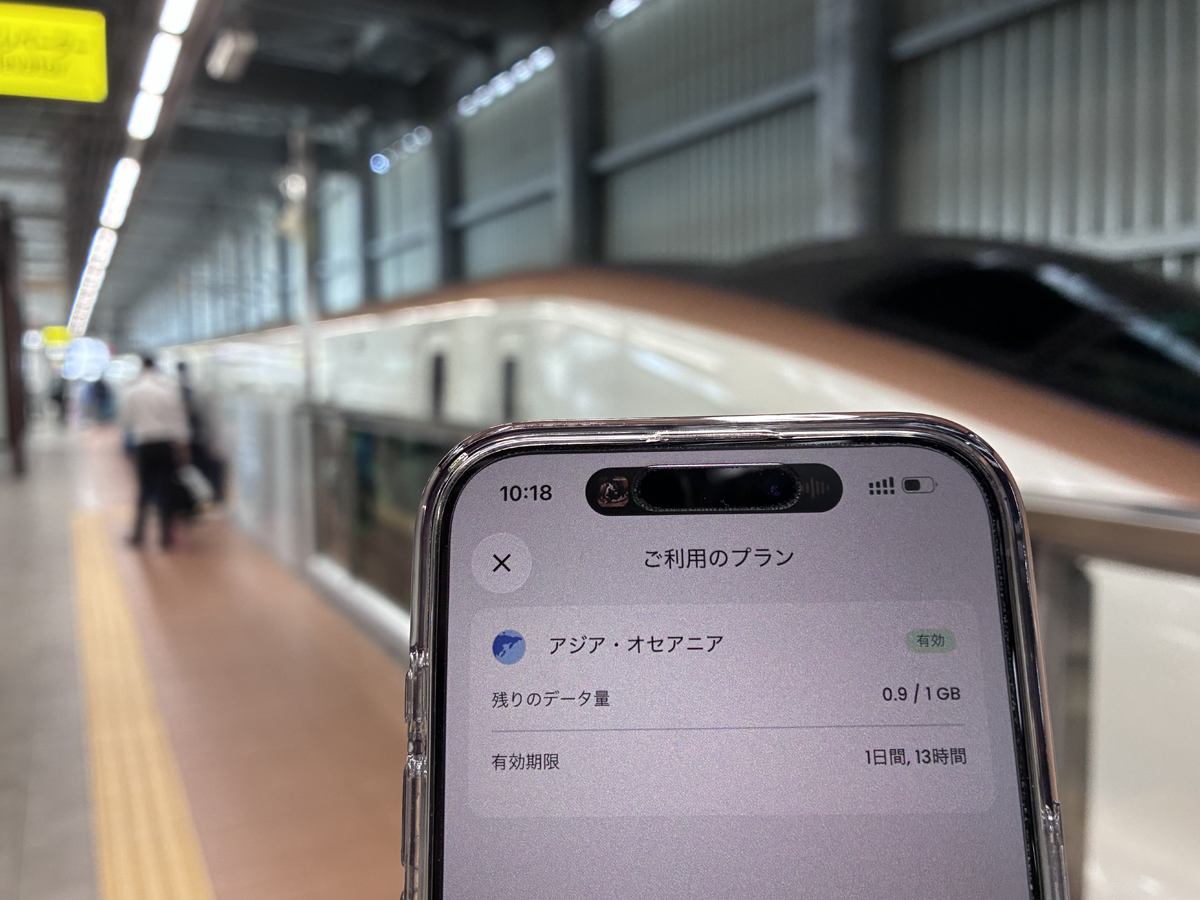

If you are visiting or working in Japan and want your own mobile data ready on arrival, Saily is a travel eSIM worth considering. In my use, I installed it before a trip that ran through Tokyo, Kobe, the Sanyo and Hokuriku Shinkansen lines, and the Kobe subway, and I checked the connection in each place rather than assuming it was working.
That practical experience is what this review is about, but a travel eSIM is not a cure-all. It does not guarantee a signal everywhere, it does not make a weak or congested network faster, and its in-app security features are not a full replacement for a VPN or for careful account security. This Saily eSIM review explains what worked for me in Japan, where I noticed limits, and what to verify before you buy.
Saily eSIM in Japan at a glance
What it is: a travel eSIM for Japan — mobile data you install before arrival, plus in-app ad blocking, malware protection, and a virtual location.
My experience: stable for everyday use around Tokyo Station, on the Kobe subway, and on the Sanyo Shinkansen; one weaker stretch on the Hokuriku Shinkansen.
Best for: travellers and remote workers with an unlocked, eSIM-compatible phone who want their own mobile data ready on day one.
Not a fix for: dead spots in tunnels, network congestion, or full VPN-level protection — it does not guarantee speed or stop fraud.
Before you buy: confirm eSIM compatibility, the Japan plan's data amount and validity, and the tethering rules.
Price: new users get 15% off with the code WANDERWORK; Saily confirms the final price and eligibility at checkout.

Why you can trust this guide
- Research basis: First-hand review — the Saily eSIM used across Japan (Tokyo Station, the Kobe subway, and the Sanyo and Hokuriku Shinkansen) on Saily's own mobile data, not public Wi-Fi
- Last checked: 2026-09-21
- Before you decide: Coverage, speed and pricing vary by device, location and plan — confirm the current terms on Saily's official pages before purchase.
This review covers what Saily is, how it performed for me in Japanese cities and on the Shinkansen, where the connection was weaker, who it suits, and what to verify before you buy. Coverage and prices can change, so always confirm the current details on Saily's official pages before checkout.
Saily is a data eSIM with in-app security features (ad blocking, malware protection, and a virtual location). It is not a full VPN, it does not protect a bank balance from fraud, and it cannot fix a weak signal or a busy network. Before you buy, check that your phone supports eSIM, and confirm the Japan plan, data amount, validity, and tethering rules on Saily's official pages.
New-user offer: enter the code WANDERWORK at Saily checkout to get 15% off. Saily shows the final price and confirms who qualifies at checkout.
\ Maps, messages and transport apps on your own mobile data /
Choose a plan for your stay and set it up before departure on an unlocked, eSIM-compatible phone. New users: enter WANDERWORK for 15% off; Saily confirms eligibility and the final price at checkout.
Quick verdict: is Saily a good eSIM for Japan?
For a traveller who wants data ready on arrival and one app to manage it, I found Saily straightforward. Setup finished before my trip, and across Tokyo, Kobe, and most of the Shinkansen route the connection was stable enough for maps, messaging, transport apps, and light work. The one honest exception was a stretch of the Hokuriku Shinkansen, where I noticed it was slightly harder to stay connected in some spots — more on that below.
I used Saily's own mobile data for this review, not public Wi-Fi. The value for me was arriving with a working data line I had already tested, plus the app's security extras layered on top. It was not a promise that every location or every train tunnel would be fast.
| Your situation | My take | What to do next |
|---|---|---|
| You want your own Japan data ready before you land | A reasonable fit if your phone supports eSIM | Confirm device compatibility, then match the plan size to your trip. |
| You do heavy daily laptop video calls from changing locations | Check tethering and prepare a backup | Read eSIM vs Pocket Wi-Fi in Japan and keep a proven primary connection. |
| You expect an eSIM to fix slow or dead signal in tunnels | Not a good reason to buy | No eSIM removes congestion or coverage gaps; plan a fallback for critical work. |
| You want the app's security features to replace a VPN | Not enough on its own | Use a dedicated VPN for shared Wi-Fi privacy and enable multi-factor authentication on sensitive accounts. |
Setting up Saily before the trip
I completed the Saily setup before leaving, so day one did not depend on finding airport Wi-Fi. The app walked through installing the eSIM and choosing the Japan plan, and it showed the plan clearly once activation finished.
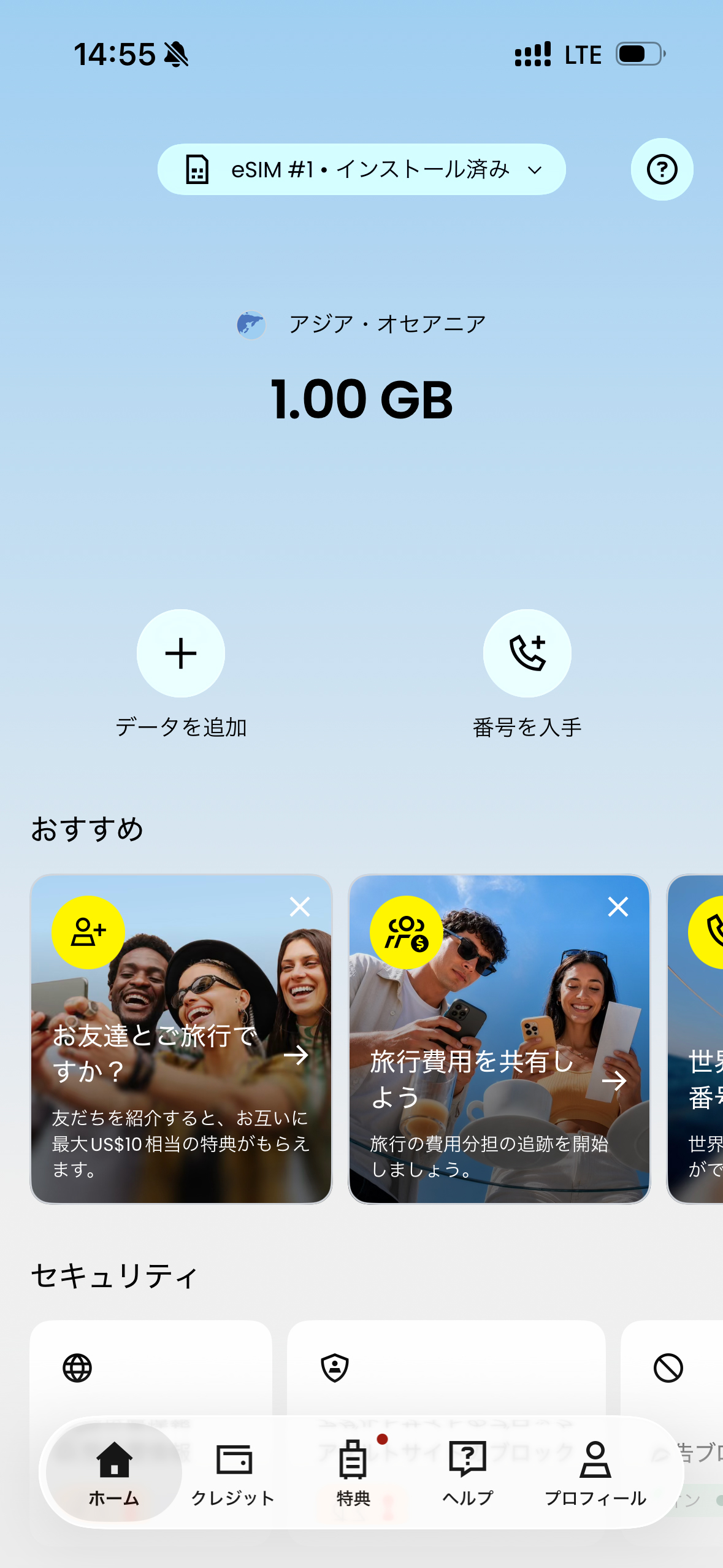
Saily set up and ready before departure. Installing the eSIM in advance meant I arrived with my own mobile data instead of relying on public Wi-Fi.
A note on device fit: a travel eSIM only works if your phone is unlocked and eSIM-capable, and you should install it following Saily's instructions for your plan. Confirm this before you pay — a coupon does not fix an incompatible or locked device.
What I checked using Saily around Japan
These photos were taken while I used the Saily eSIM at Tokyo Station, at Shin-Kobe Station, aboard the Sanyo and Hokuriku Shinkansen, and on the Kobe subway. Each time, I checked whether data actually worked for everyday tasks rather than assuming it.
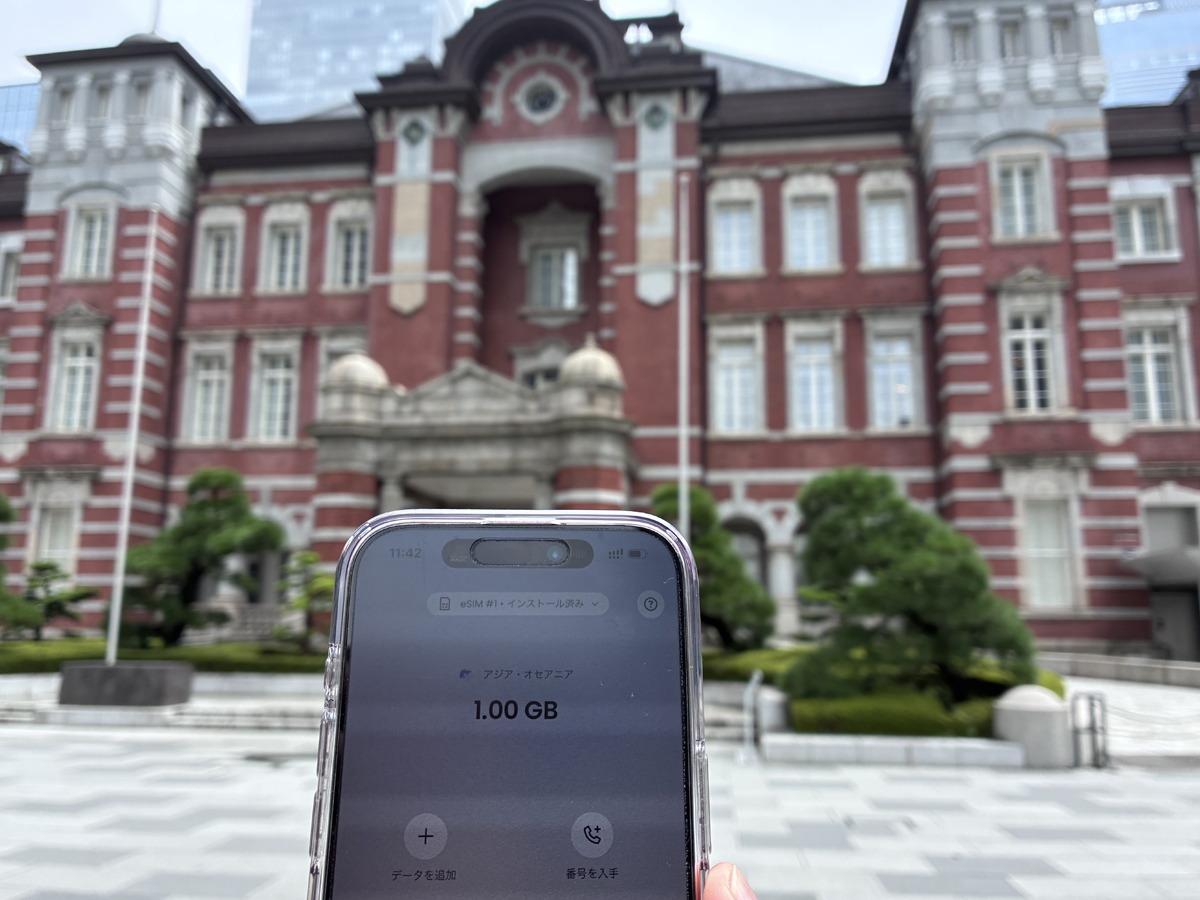
Using Saily at Tokyo Station. Travel days often combine maps, transport bookings, payments, and messages in quick succession, so it helped to arrive with a data line I had already tested.
In the cities: Tokyo Station and the Kobe subway
Around Tokyo Station and on the Kobe subway, the connection held up for the tasks that matter on a travel day. Underground, where public networks are not always reliable, the Kobe subway connection worked without a problem for me.
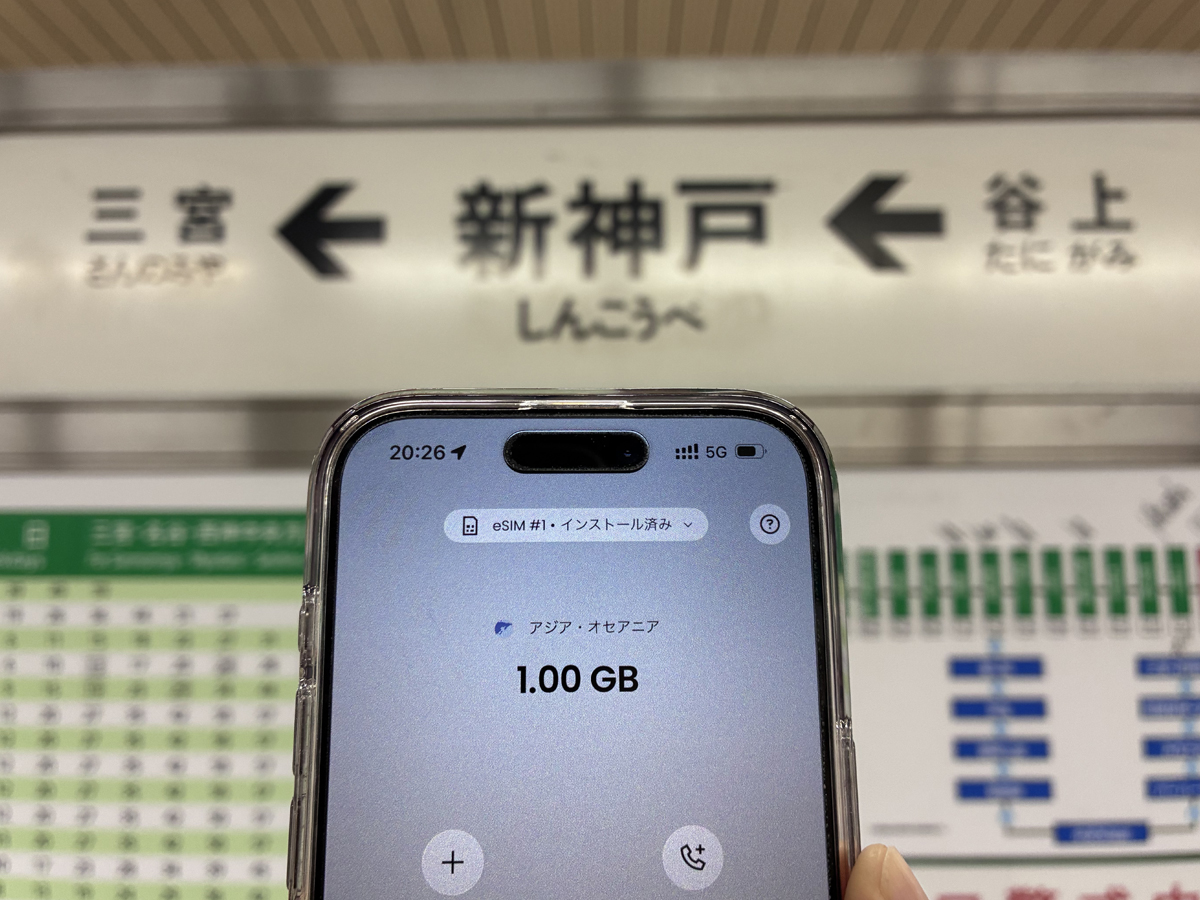
On the Kobe subway the Saily connection worked without any issue for me. This is a record of one trip, not a guarantee that every underground line will behave the same way.
On the Shinkansen: Shin-Kobe, the Sanyo line, and comfortable connectivity
I also used Saily at Shin-Kobe Station and aboard the Sanyo Shinkansen. On the Sanyo line the connection stayed comfortable while the train was moving, which was more than enough for messaging, maps, and reading.
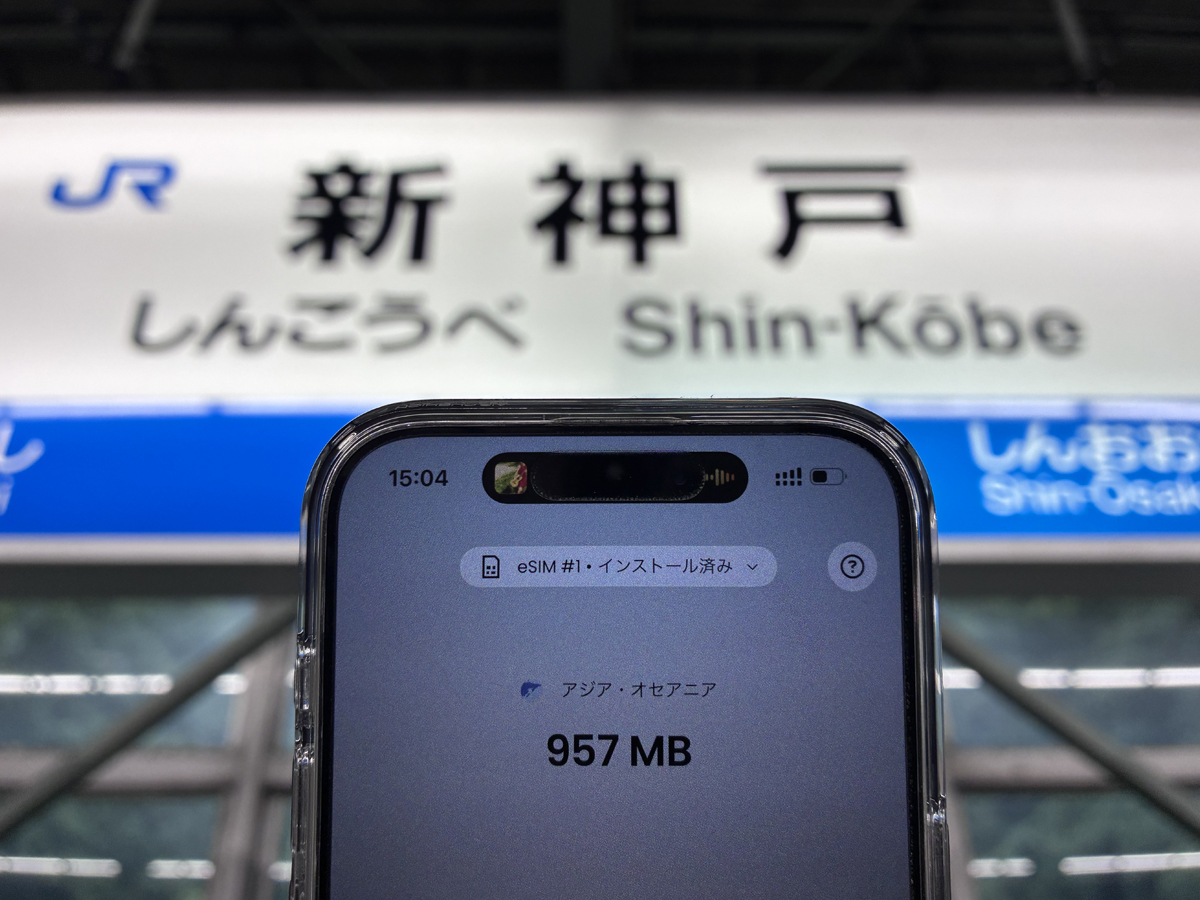
Checking Saily at Shin-Kobe Station. Confirming data works before boarding is a small habit that saves stress once the train departs.
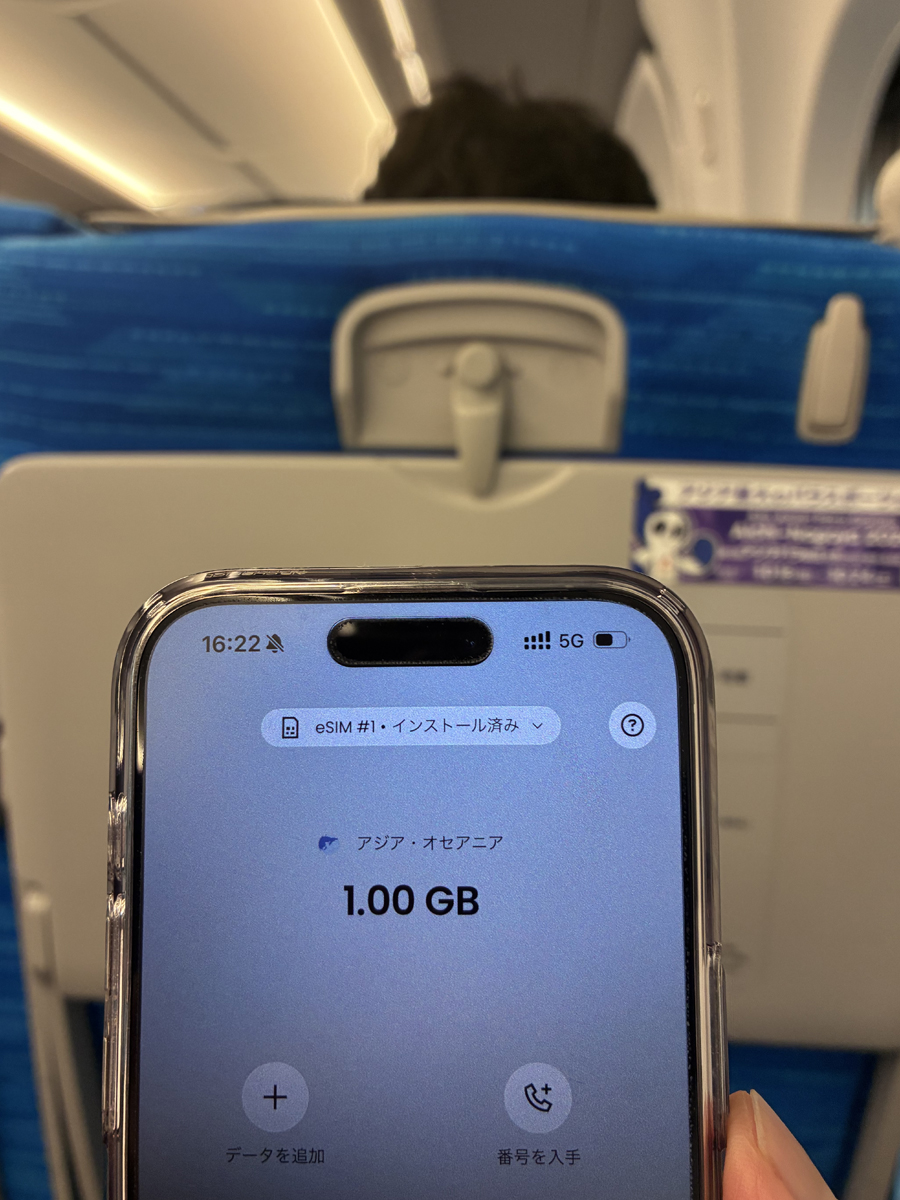
On the Sanyo Shinkansen the connection stayed comfortable while the train was moving. High-speed trains still pass through tunnels, so I would not risk an important live call on one connection alone — I keep a backup ready.
On the Hokuriku Shinkansen: mostly fine, with an honest weak spot
The Hokuriku Shinkansen route was mostly fine. At Fukui Station the connection was solid, and along much of the line it connected without a problem.
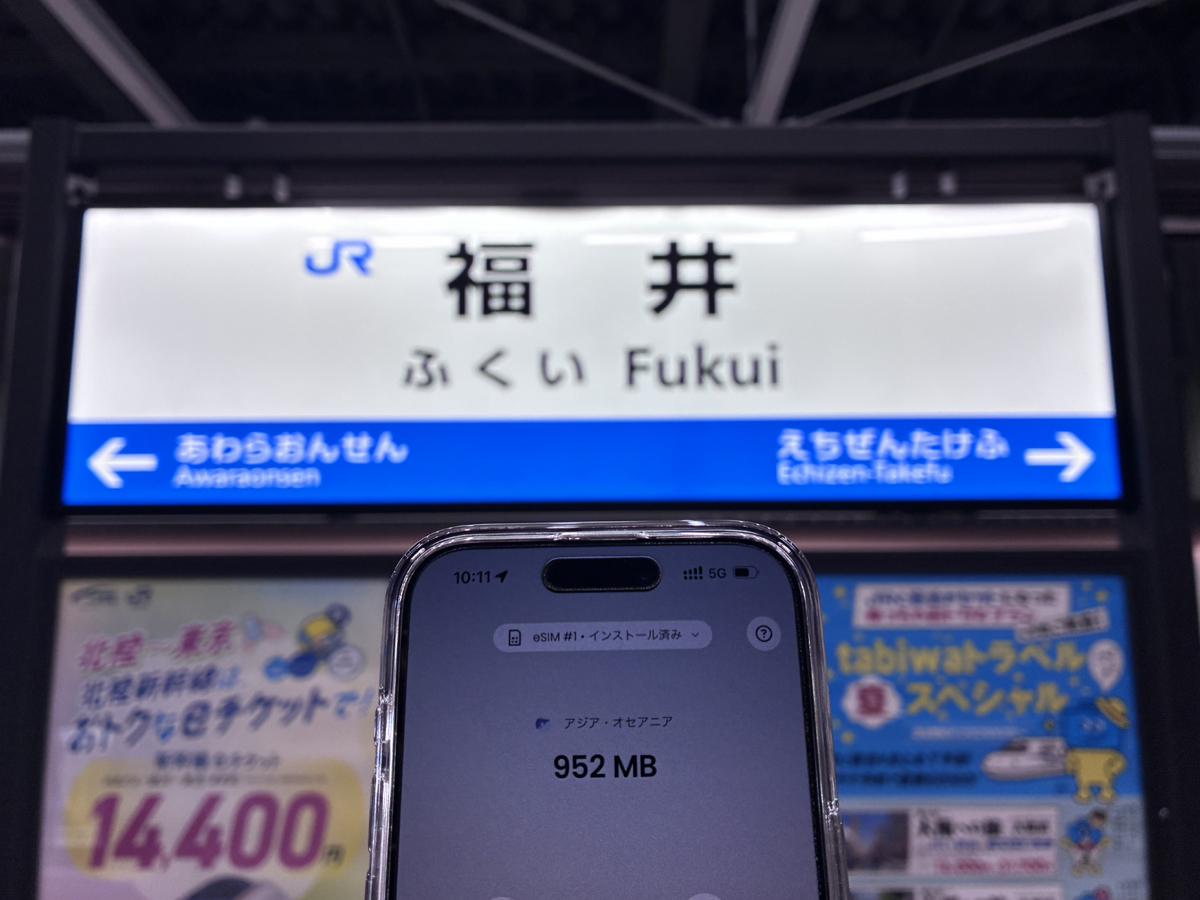
At Fukui Station on the Hokuriku Shinkansen the connection was solid.
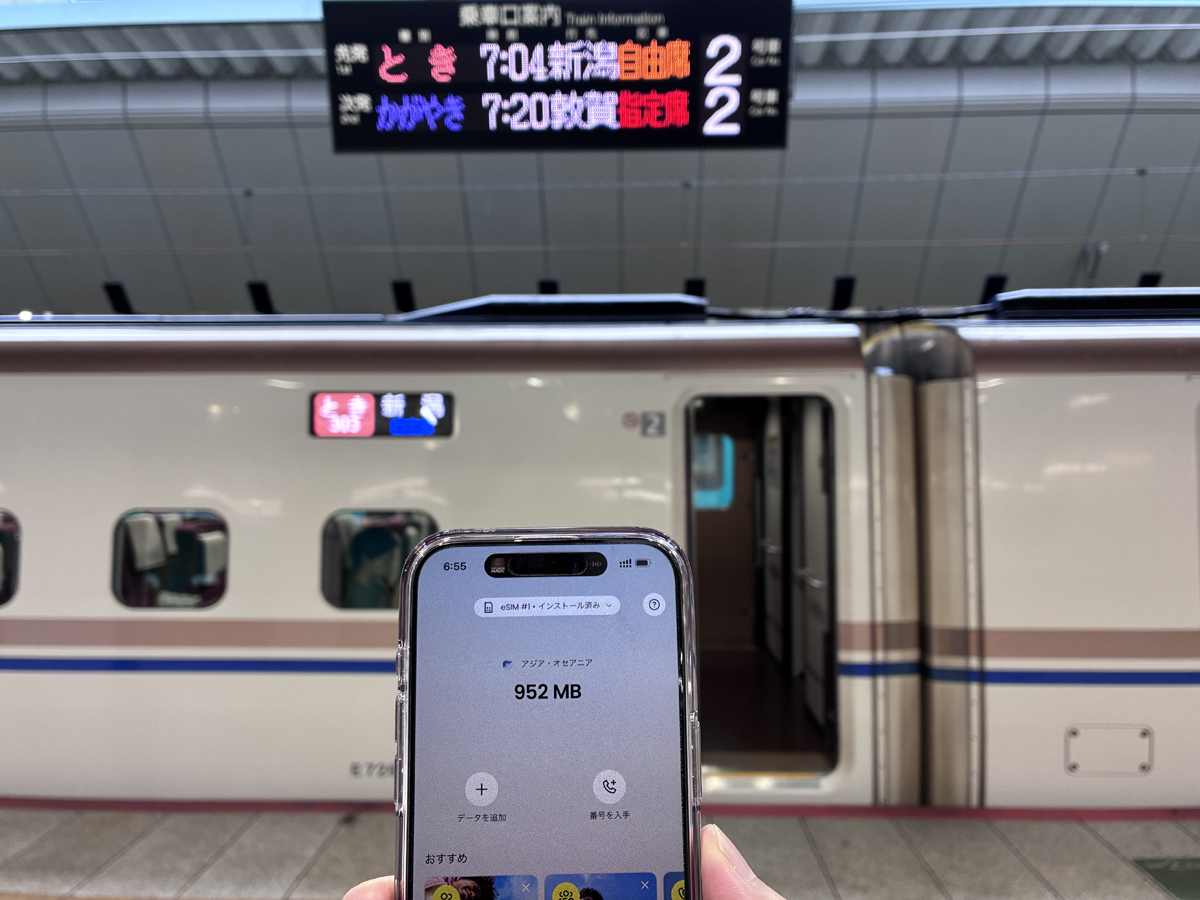
Along much of the Hokuriku Shinkansen the Saily connection held without a problem.
To be honest about the limits, there was one exception. On the Hokuriku Shinkansen, in a few places, it was a little harder to stay connected. That is normal on a fast train through mountains and tunnels, and no eSIM can fix it. So on that route I would not rely on one connection for an important call — I would keep a backup ready and download what I need in advance.
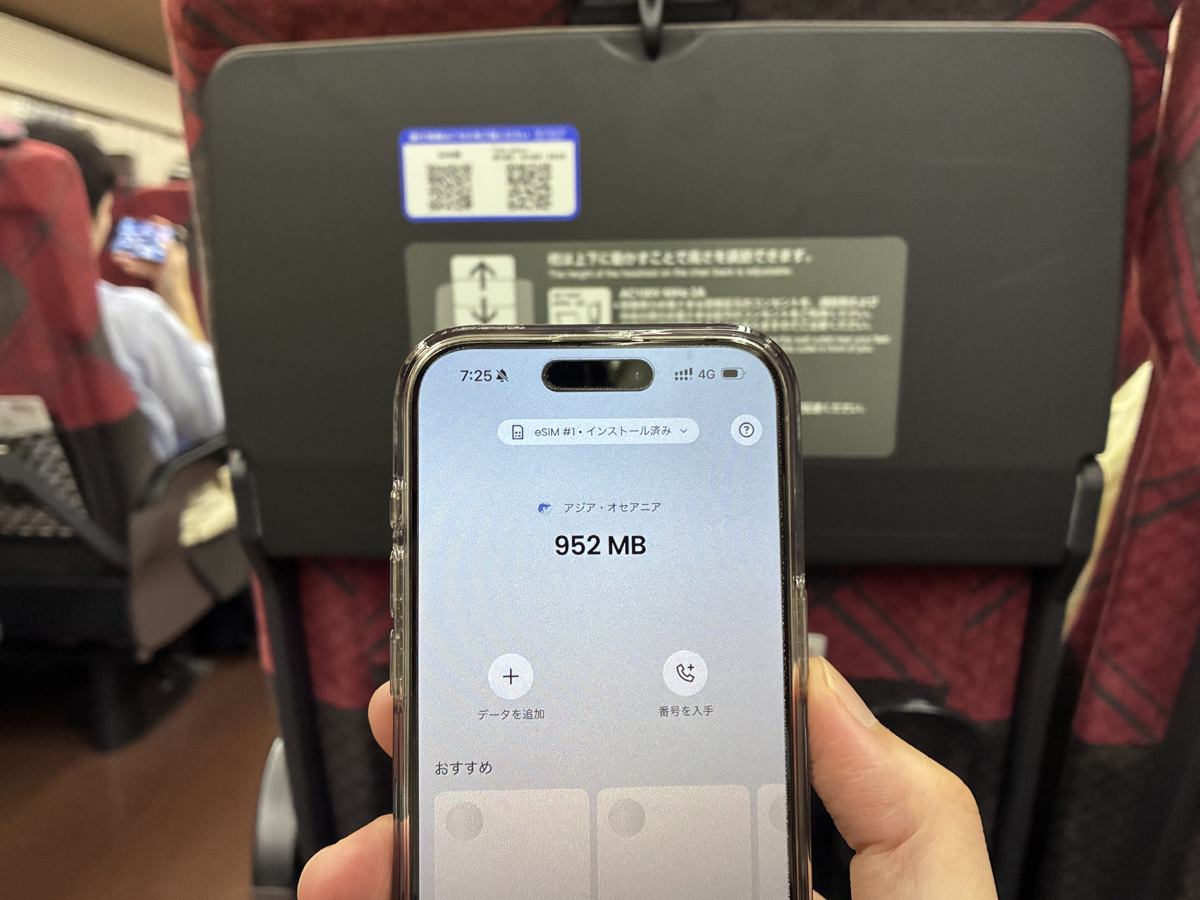
Aboard the Hokuriku Shinkansen the connection was weaker in a few spots. If you have important calls on long train segments, plan a backup layer and download what you need in advance.
If your work is laptop-heavy or you tether all day, decide your connectivity setup deliberately: compare eSIM vs Pocket Wi-Fi in Japan and unlimited Wi-Fi options for Japan before you rely on one plan. Connectivity is one step of a larger arrival plan — the Digital Nomad Setup Japan checklist and the Digital Nomad Japan complete guide show where it fits.
What Saily actually is — and what its security features do
Saily is a travel eSIM: you buy a data plan for a country or region, install it on a compatible phone, and use it for mobile data. On top of the data plan, the Saily app includes security features — ad blocking, malware protection, and a virtual location option.
Those extras are useful, but keep the boundary clear. They are in-app features, not a full VPN service, and they do not protect your account balance, prevent phishing, or guarantee anything about a connection's speed. For shared café, hotel, or coworking Wi-Fi, a dedicated VPN is still the tool for a privacy layer — see my NordVPN iPhone review from Japan — and for sensitive accounts, use the official app or site and enable multi-factor authentication.
Saily is also not the only eSIM for Japan. If you are weighing options, compare it against Airalo for Japan on data amount, validity, tethering, and price before you decide.
Advertisement

\ Your own mobile data for exploring Japan /
Match the data amount and validity to your trip. Check device support and tethering before buying. New users can enter WANDERWORK for 15% off; terms apply.
Who Saily suits — and who should look elsewhere
Saily may suit you if
- You want your own Japan mobile data installed before you land, without collecting a physical SIM.
- You have an unlocked, eSIM-compatible phone and will confirm the plan details first.
- You want maps, messaging, transport apps, and light work to just work in cities and on most train routes.
- You value the app's ad blocking and malware protection as an added layer, understanding it is not a full VPN.
Look elsewhere, or check first, if
- Your phone is locked or its eSIM support is uncertain — settle compatibility before buying anything.
- You do all-day laptop video calls from changing locations and have not prepared a tested backup connection.
- You expect an eSIM to fix dead spots in tunnels or congested networks.
- You want protection against every banking, phishing, or fraud risk — that needs account security, not just an eSIM.
What to verify before you buy
Product details and prices change, so read the current information on Saily's official pages rather than relying on an old review. Use this short checklist:
- Device compatibility: Confirm your exact phone is unlocked and supports eSIM.
- Plan and data amount: Match the Japan plan to your trip length and honest daily use — video calls and laptop tethering consume far more than maps and messaging.
- Validity window: Check the plan's validity covers your stay, including buffer days.
- Tethering / hotspot: If you must tether a laptop, confirm the plan's rules before you depend on it.
- Coupon and price: New users can enter WANDERWORK for 15% off; the final price and eligibility are confirmed by Saily at checkout.
The official pages used for this review are Saily's homepage, its Japan eSIM page, and its features overview. Verify the current terms on the official site immediately before purchase.
FAQ
Can I use Saily as an eSIM in Japan?
Yes, if your phone is unlocked and eSIM-compatible. I installed it before my trip and used it across Tokyo, Kobe, and the Shinkansen. Confirm the current device requirements and Japan plan on Saily's official pages before buying.
Did you use public Wi-Fi for this review?
No. I used Saily's own mobile data. The photos show the eSIM in use at Tokyo Station, Shin-Kobe Station, on the Sanyo and Hokuriku Shinkansen, and on the Kobe subway.
Was the connection stable on the Shinkansen?
Mostly yes. On the Sanyo Shinkansen it stayed comfortable while moving, and much of the Hokuriku line was fine. On one stretch of the Hokuriku Shinkansen I found it a little harder to stay connected. That is normal for any mobile network on fast trains through tunnels — keep a backup for critical calls.
Do Saily's security features replace a VPN?
No. Ad blocking, malware protection, and a virtual location are useful in-app extras, but they are not a full VPN and do not guarantee protection against phishing or fraud. Use a dedicated VPN for shared Wi-Fi privacy and multi-factor authentication for sensitive accounts.
Is Saily the only eSIM option for Japan?
No. Compare it with alternatives such as Airalo on data amount, validity, tethering, and price, and consider Pocket Wi-Fi if you tether a laptop all day. See the Airalo and eSIM-vs-Pocket-Wi-Fi guides linked above for the details.
How do I get the discount?
New users can enter the code WANDERWORK at checkout for 15% off. Eligibility and the final price are shown and confirmed by Saily at checkout.
Related guides
-

-
eSIM vs Pocket Wi-Fi in Japan (2026): Which Should You Get?
Verdict: neither wins for everyone — pick by how you work. Choose an eSIM if you are phone-first, tr ...
続きを見る

-
-
Best Unlimited Wi-Fi in Japan (2026): Pocket Wi-Fi vs eSIM
Quick answer: for remote work in Japan, layer your connection rather than trusting one "unlimited" d ...
続きを見る

-
-
Airalo for Japan (2026) — eSIM Review for Digital Nomads (Setup, Data & Limits)
Looking for an Airalo review before visiting Japan as a digital nomad? This guide explains how Airalo works in Japan, who it suits, setup tips, device checks, and whether it is better than pocket WiFi.
続きを見る

-
-
Digital Nomad Setup Japan: 7-Day Arrival Checklist (2026)
Digital nomad setup in Japan works best in one order: confirm your legal stay and accommodation firs ...
続きを見る

-
-
Digital Nomad in Japan: Complete Guide for Foreign Visitors
A digital nomad trip in Japan succeeds when your accommodation protects work quality—not when it win ...
続きを見る


Bottom line
Saily worked well for me as a Japan travel eSIM: setup finished before departure, and across Tokyo, Kobe, the Kobe subway, and most of the Sanyo and Hokuriku Shinkansen route the connection was stable enough for everyday travel and light work. The one honest caveat was a weaker stretch on the Hokuriku Shinkansen — a reminder that no eSIM guarantees coverage on fast trains through tunnels.
Choose it if you want your own mobile data ready on arrival and you will confirm device support, plan, and validity first. Do not choose it expecting a fix for dead spots, a substitute for a real VPN, or a guarantee against fraud. Verify the current terms on the official site, then use it alongside a backup connection for critical work and multi-factor authentication for sensitive accounts.
\ Prepare your connection before departure /
Check compatibility, data allowance and validity, then follow Saily’s setup instructions. Keep a backup for critical work. Enter WANDERWORK for the new-user 15% offer; eligibility is confirmed at checkout.